
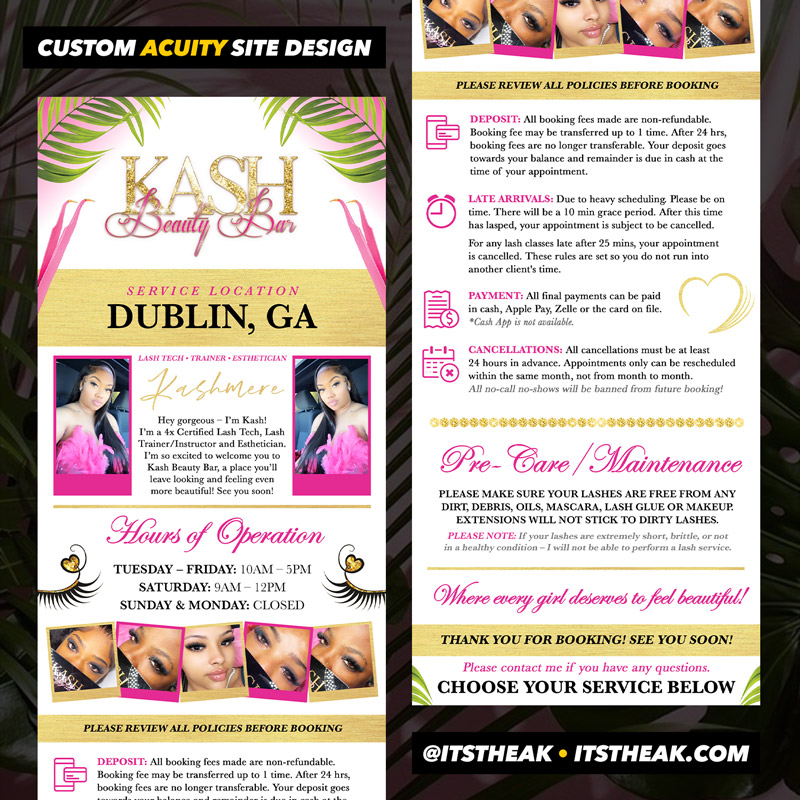
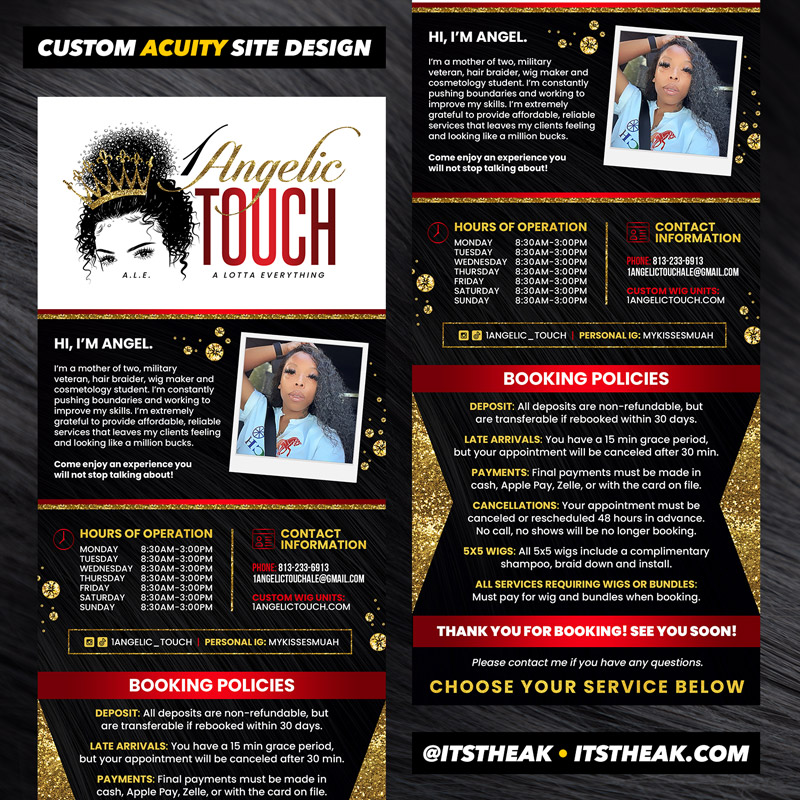
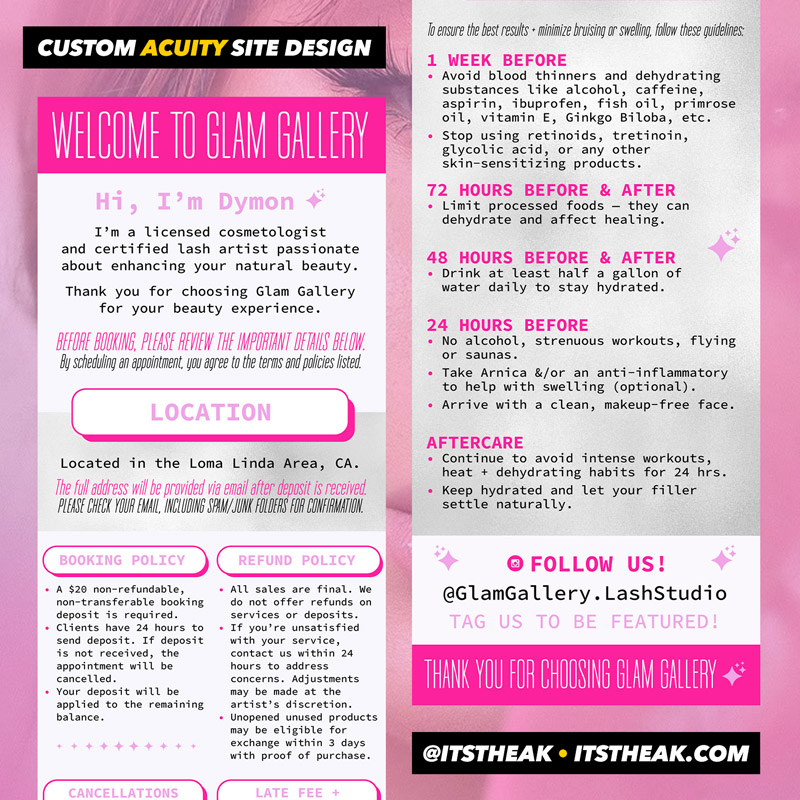
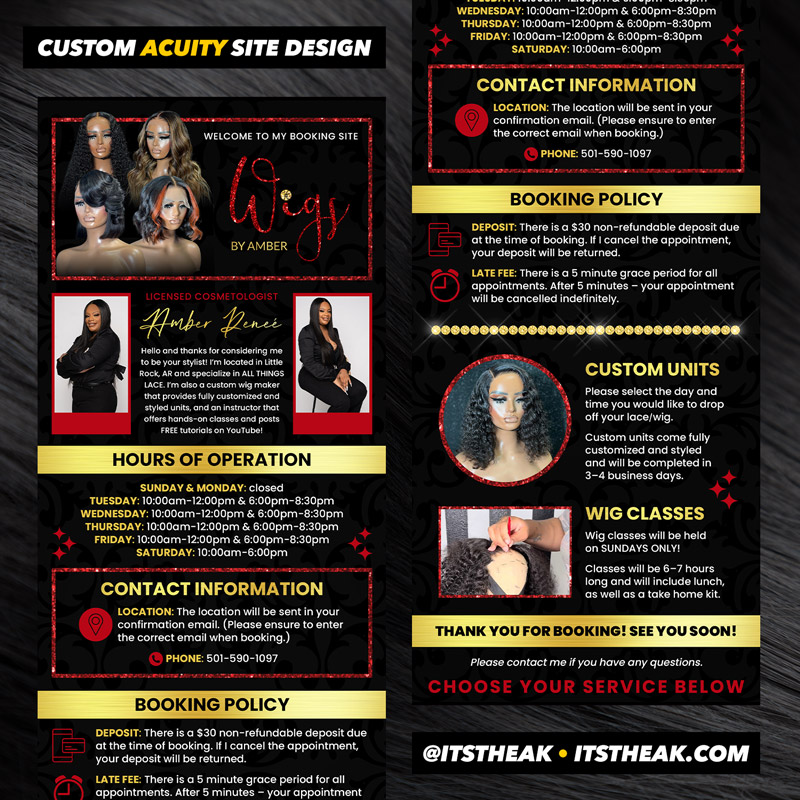
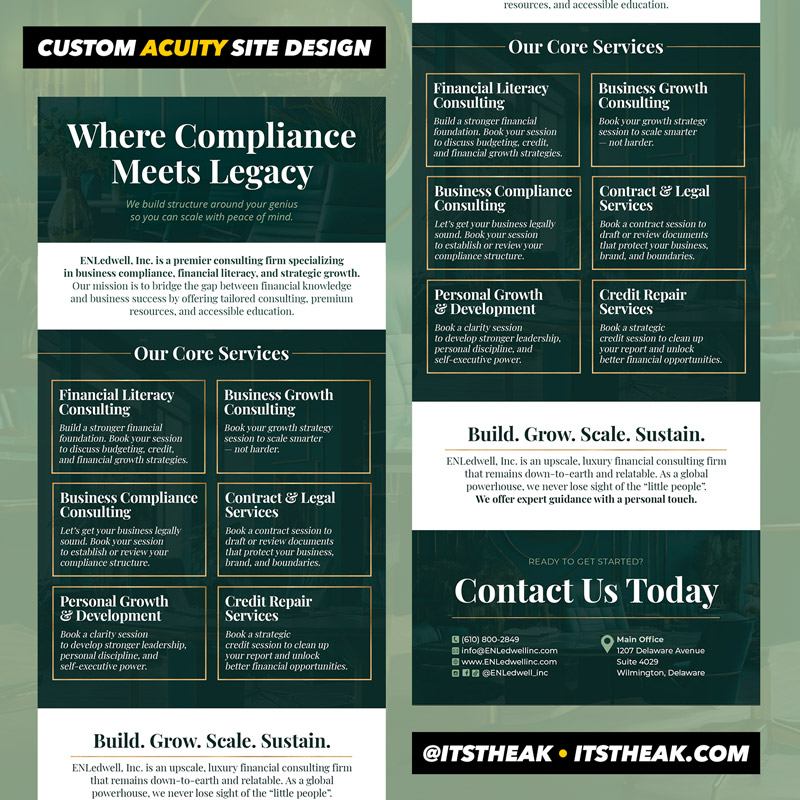
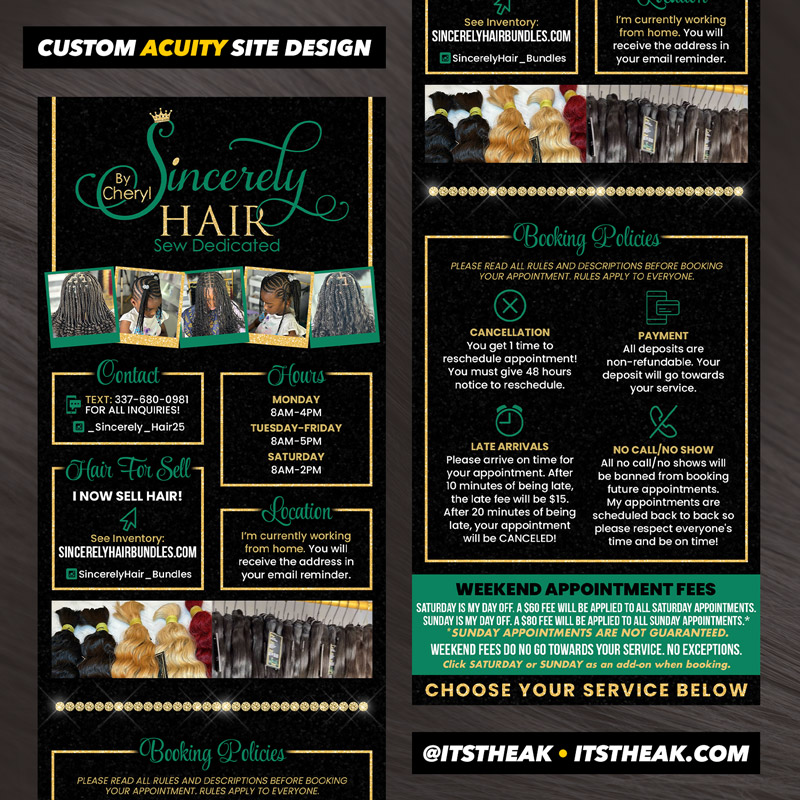
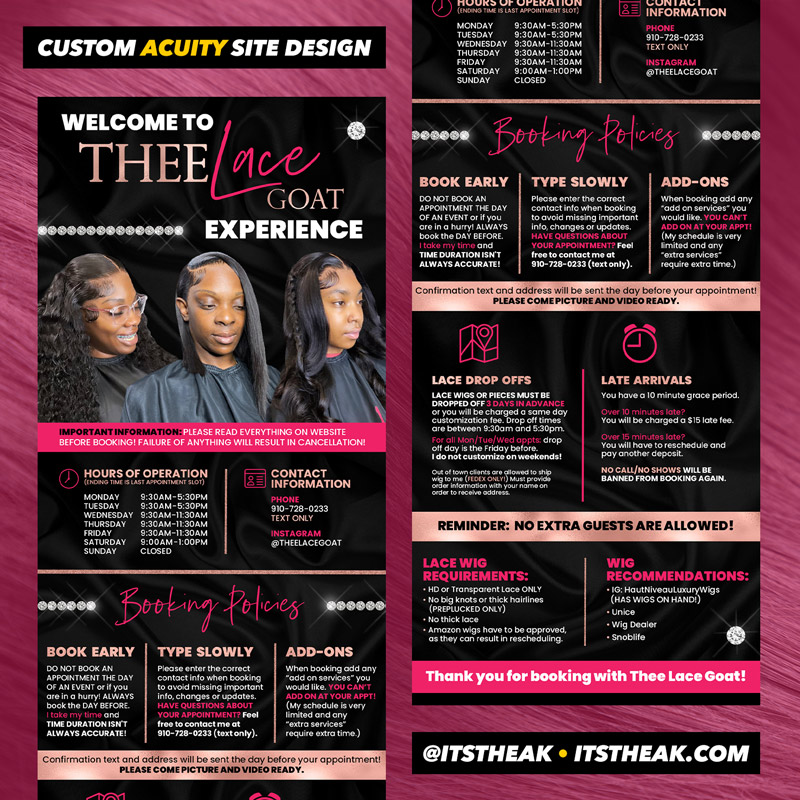
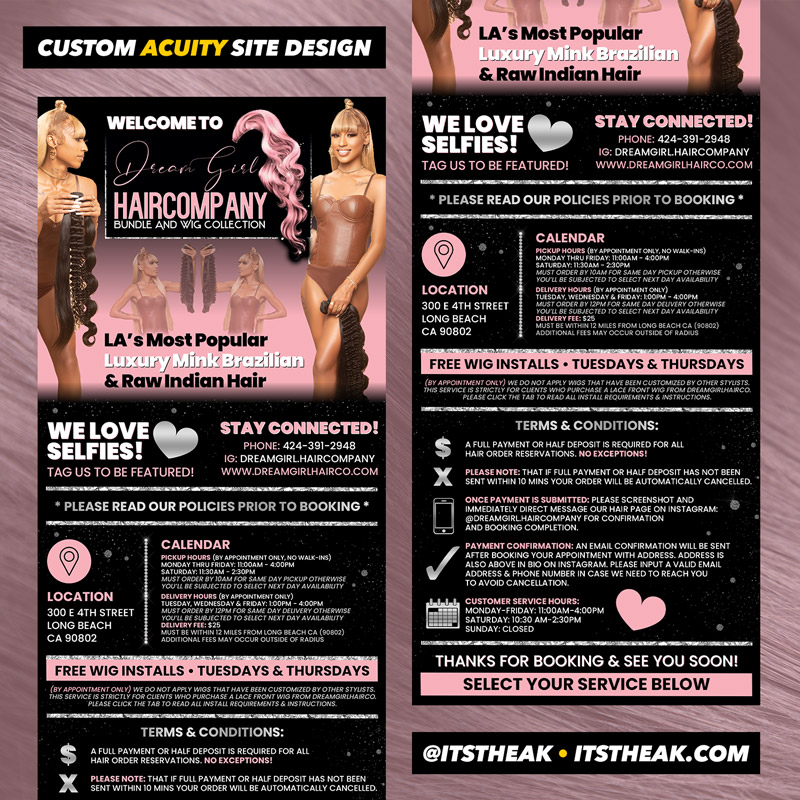
Description
HOW DO I SUBMIT MY INFORMATION AFTER ORDERING?
After you place your order, you’ll receive a confirmation email. Simply reply to that email with your logo file, all the information you’d like included and any design examples you’d like me to use for inspiration.
WHAT HAPPENS AFTER I SUBMIT MY INFORMATION?
Once I’ve received and reviewed your information, I’ll reply to confirm and begin the design process. When your design is ready, I’ll send you a preview to review. Once you approve the preview, I’ll send you a temporary link to download your high-resolution file and then your order will be complete.
WILL I RECEIVE A ROUND OF REVISIONS?
Yes! Your order includes one round of revisions, where you can request any changes you’d like to the initial design.
Please note: this does not include a completely new design or major changes – so be sure to give all details and send any design examples you’d like me to use for inspiration upfront.
WHEN CAN I EXPECT TO RECEIVE MY FINAL FILE?
You can expect your preview within 3–5 business days from the date you send all required details.
HOW DO I UPLOAD MY DESIGN TO ACUITY?
- Sign into your account.
- Tap the “Customize Appearance” ta.
- Find the “Scheduling Instructions” section and tap the “Insert Image” icon.
- Tap “Choose File”, find your file titled and tap “Upload”.
- TIP: You can also change your “Button/Accent Color” to match your template.
- Tap “Save Changes”.
NOTE: I can upload your design for you. Just ask!
HAVE ANOTHER QUESTION?
Shoot me an email: [email protected]

Amber M. –
OMG wow! You are amazing. I love! I have no words I love it all! Thank you so much Alicia. Not sure where my branding would be without you.
Kassie –
Girl! OMG! YES! This is so beautiful! I just lovee your work! You got me for life!
Dymon –
Alicia is so talented and professional with fast delivery – and can curate your design to your brand. I highly recommend!